SonarQube Upstream Failure
This troubleshooting page covers the error on the Code Quality tab of a project in the KubeRocketCI portal.
Problem
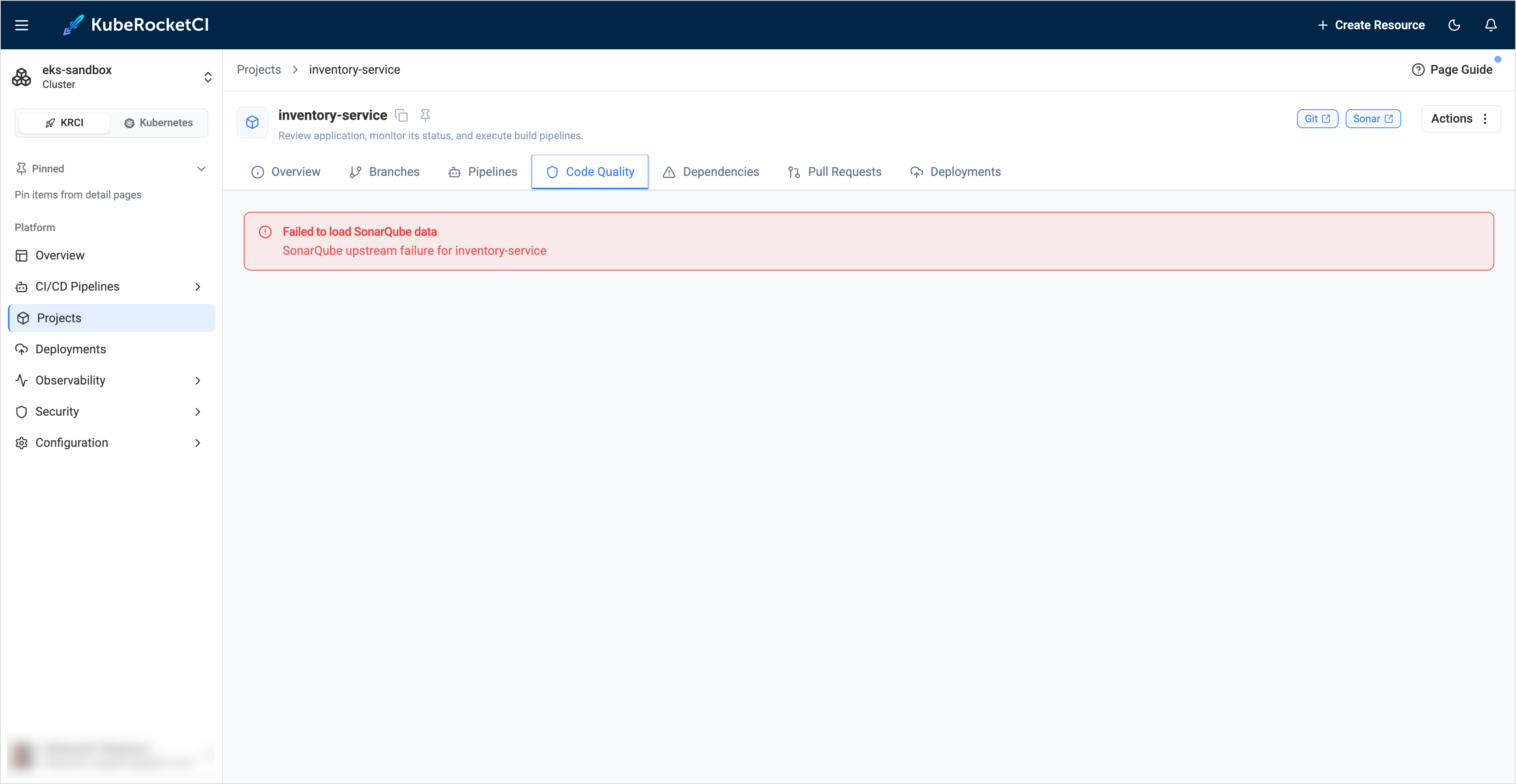
The Code Quality tab shows Failed to load SonarQube data and SonarQube upstream failure for <codebase>:
Cause
The portal reads SonarQube with its own credentials, separate from the ci-sonarqube secret that pipelines use. The portal sent a request to SonarQube and did not get a valid answer. Typical reasons are:
| Reason | Description |
|---|---|
| Invalid or expired token | The SONAR_TOKEN of the portal is wrong, expired, or revoked. SonarQube answers with the 401 status. |
| Insufficient permissions | The token user lacks the Browse and View Issues permissions on the project. SonarQube answers with the 403 status. |
| Wrong URL or network problem | The SONAR_HOST_URL is wrong, or a TLS, DNS, or network policy problem blocks the connection. |
If SonarQube is reachable but has no project with the codebase name as a key, the tab shows project <codebase> not found instead. In this case, run a build pipeline for the codebase.
Solution
-
Find the real reason in the portal log:
kubectl logs -n <krci-namespace> deploy/krci-portal | grep "\[SonarQube\]" -
Send the same request from the portal pod. The portal image has no
curl, so usenode:kubectl -n <krci-namespace> exec deploy/krci-portal -- node -e 'const base = (process.env.SONAR_HOST_URL || "").replace(/\/+$/, "");console.log("SONAR_HOST_URL:", base || "(empty)", "| token set:", !!process.env.SONAR_TOKEN);fetch(base + "/api/components/show?component=<codebase>", {headers: { Authorization: "Basic " + Buffer.from(process.env.SONAR_TOKEN + ":").toString("base64") },signal: AbortSignal.timeout(10000),}).then(async r => console.log(r.status, (await r.text()).slice(0, 300))).catch(e => console.log("ERROR:", e.cause?.code || e.message));'The command prints the portal URL, whether a token is set, and the answer of SonarQube. Use the HTTP status to find the cause:
Status Meaning 200SonarQube and the token are fine. Check the portal log for another reason. 401The token is invalid or expired. Generate a new token and replace it. 403The token user lacks the BrowseorView Issuespermission on the project.404SonarQube has no project with this key. Network error Check the URL, DNS, TLS, and network policies between the portal and SonarQube. -
Replace the token. Generate a new one as described in Configuration SonarQube ci-user, and update
SONAR_TOKEN:-
If the
portal-secretSecret is created manually, update theSONAR_TOKENkey in it. -
If the Secret is managed by the External Secrets Operator, update the value in the external store under the Portal
eso.secretPath. The Operator overwrites manual changes of the Secret. To apply the new value without waiting for the refresh interval, run:kubectl -n <krci-namespace> annotate externalsecret portal-secret force-sync=$(date +%s) --overwritewarningDo not delete the
ExternalSecretresource. The Secret it creates is removed together with it, and the portal loses all its secret values.
-
-
Restart the portal to apply the new token and open the tab again:
kubectl -n <krci-namespace> rollout restart deploy/krci-portal