Dependency-Track Project Not Found
This troubleshooting page covers the error on the Dependencies tab of a project in the KubeRocketCI portal.
Problem
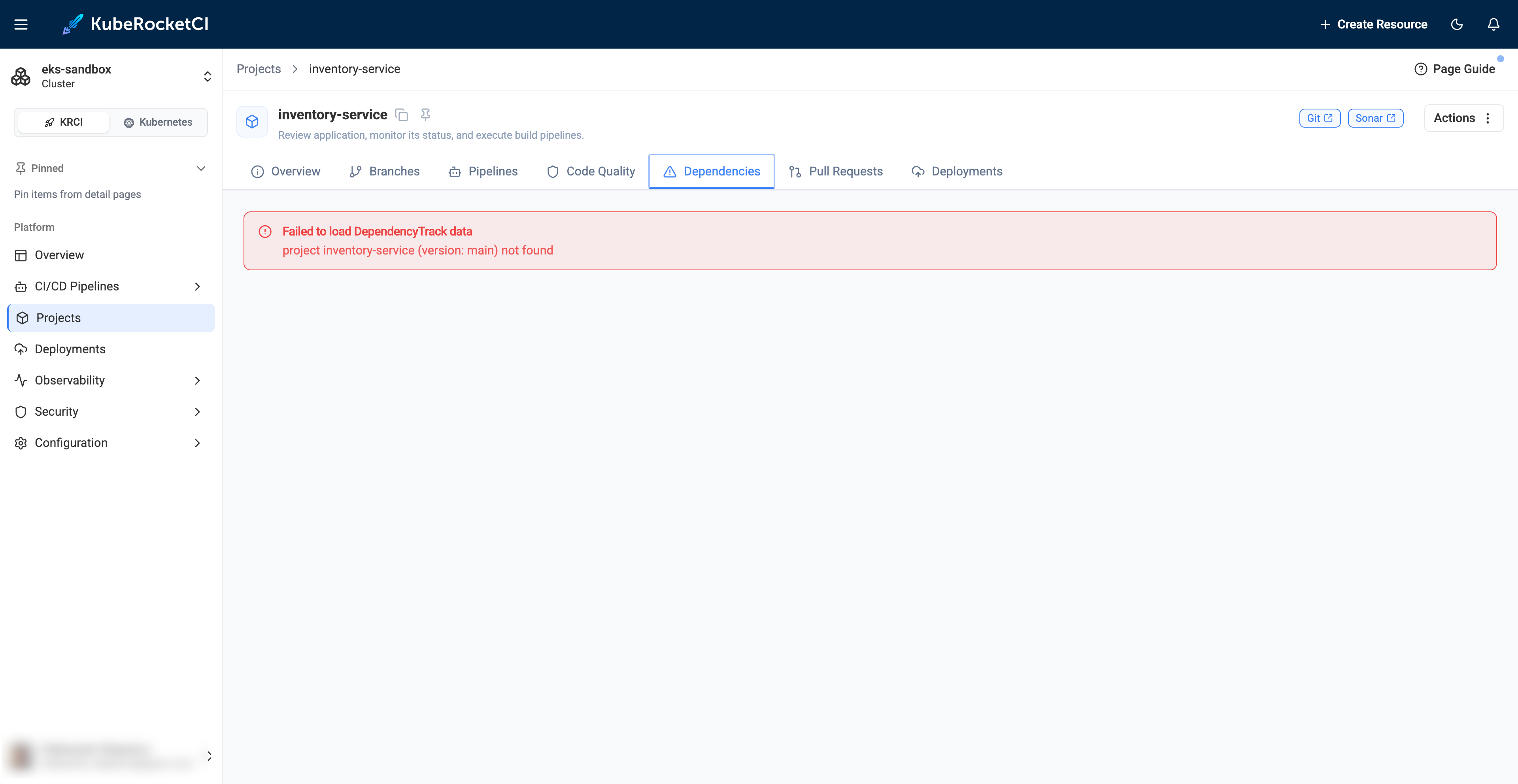
The Dependencies tab shows Failed to load DependencyTrack data and project <codebase> (version: <branch>) not found:
Cause
Dependency-Track has no project with the codebase name and the default branch as a version. The portal looks up the project by this pair. Dependency-Track receives the SBOM only from the security pipeline. Build and review pipelines do not upload it.
Solution
-
Run a security pipeline for the codebase on its default branch.
-
Check that the
ci-dependency-tracksecret exists and is not empty. Without it, the SBOM upload step is skipped. -
In Dependency-Track, open Projects and check that the project name equals the codebase name and the version equals the default branch, for example
my-appandmain.