Enable Git Resource Discovery
This page describes installation of the GitFusion component, allowing the portal to access Git-related information without requiring direct access to the Version Control System.
GitFusion enhances the developer experience by facilitating automated discovery of Git repositories, remote branches, and organizational structures across multiple Git providers. The service operates as an intermediary layer, securing communication between the KubeRocketCI portal and Git infrastructure while enabling rich repository browsing capabilities.
Installation
When integrating GitFusion with Bitbucket repositories, ensure your Bitbucket API token includes the account:read permission scope. Detailed instructions for configuring Bitbucket API tokens with appropriate permissions are available in the Add Git Server documentation.
To enable the GitFusion integration in KubeRocketCI, follow the steps below:
-
Activate GitFusion service deployment by modifying the edp-cluster-add-ons repository. Set the
gitfusion.enableflag totruein thevalues.yamlfile:values.yamlgitfusion:enable: true
Verification
Once GitFusion deployment is complete, validate the integration functionality through the following testing procedures:
Component Discovery
-
Navigate to KubeRocketCI portal -> Components.
-
On the Components page, click + Create component -> Application -> Import.
-
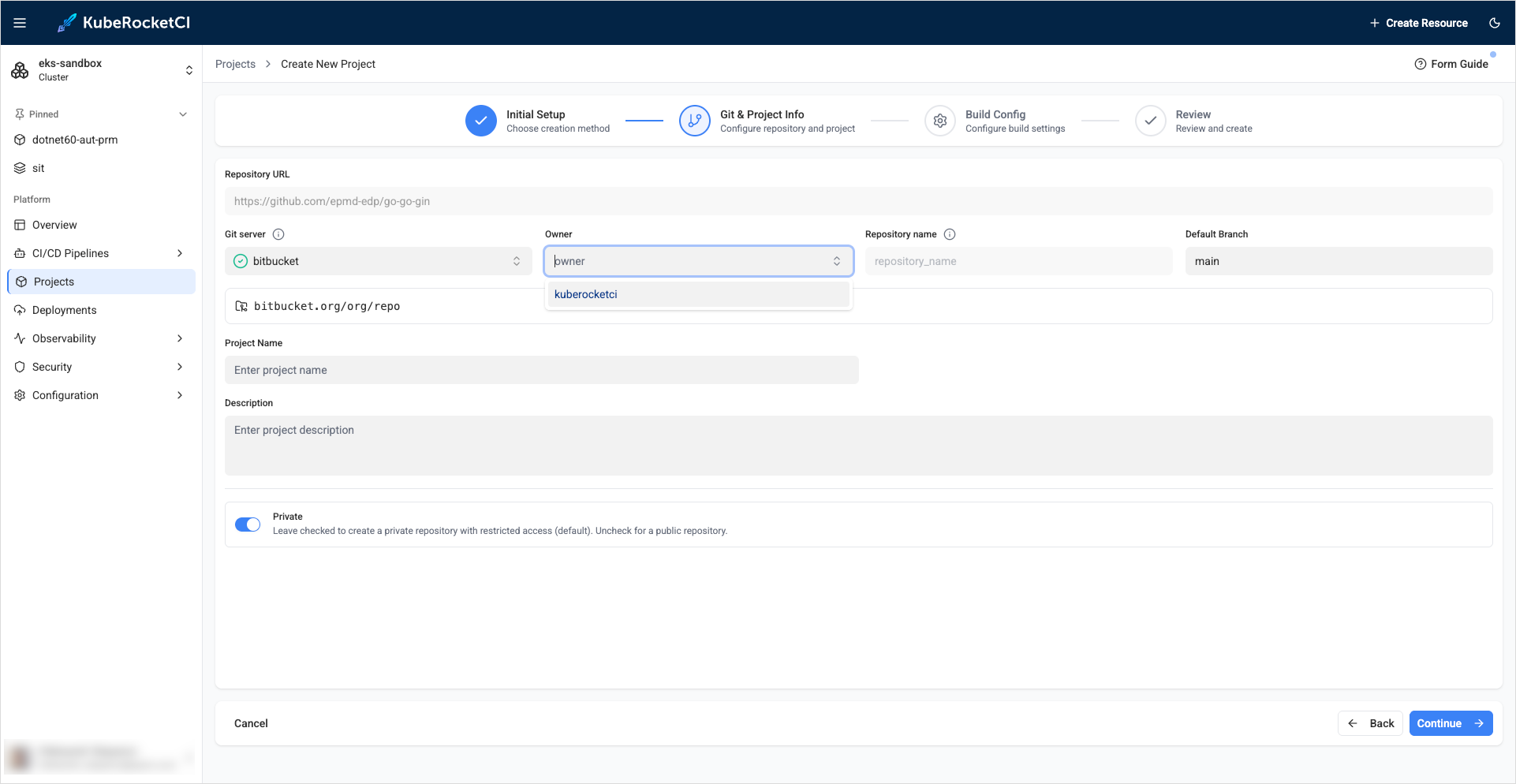
Within the Create Application dialog, use the Owner dropdown to select your Git account (configured during Git Server setup):
-
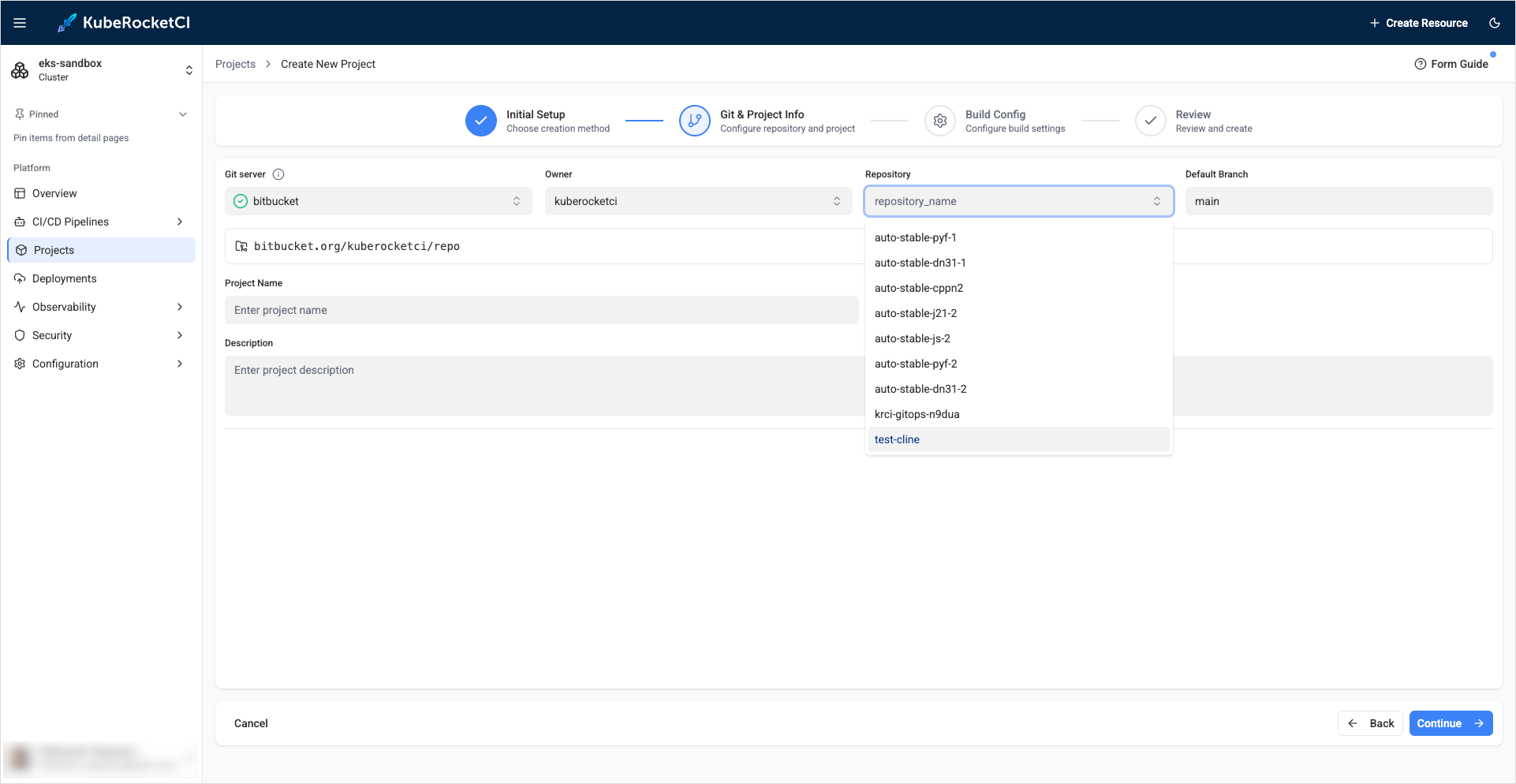
Browse available repositories using the Repository dropdown to select the desired application for import:
Creating Branches
-
Return to the KubeRocketCI portal, access Components, and select a specific component by clicking its name.
-
Switch to the Branches tab within the component details view and click + Create branch.
-
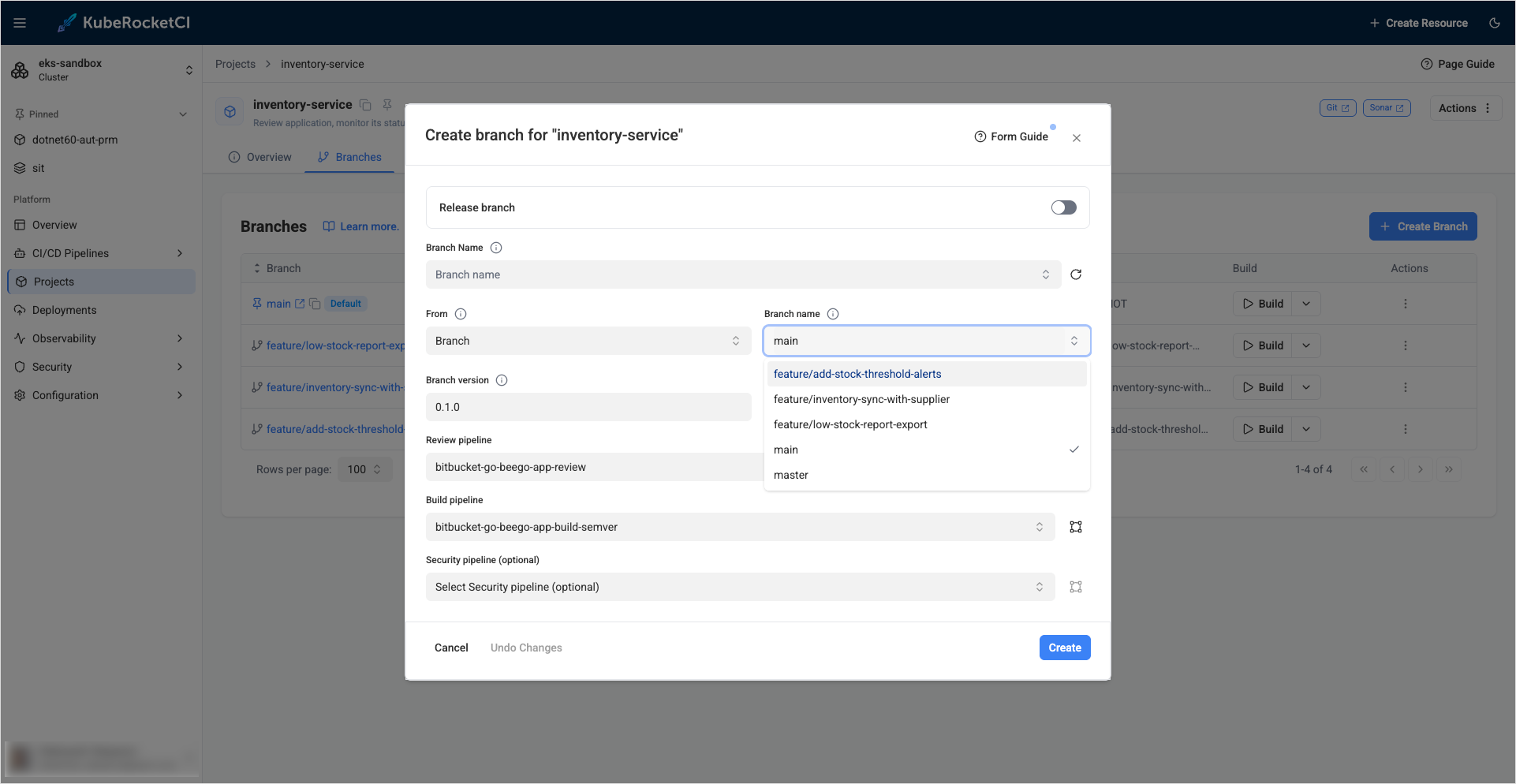
In the Create branch dialog, interact with the branch name field to display the list of remotely available branches: