Tekton Integration
Integrating ReportPortal with Tekton centralizes the management of all automation outcomes and reports, enabling the visualization of metrics and analytics. This integration facilitates team collaboration by associating statistical results, enhancing the overall efficiency and insight into the automation processes.
For integration, take the following steps:
-
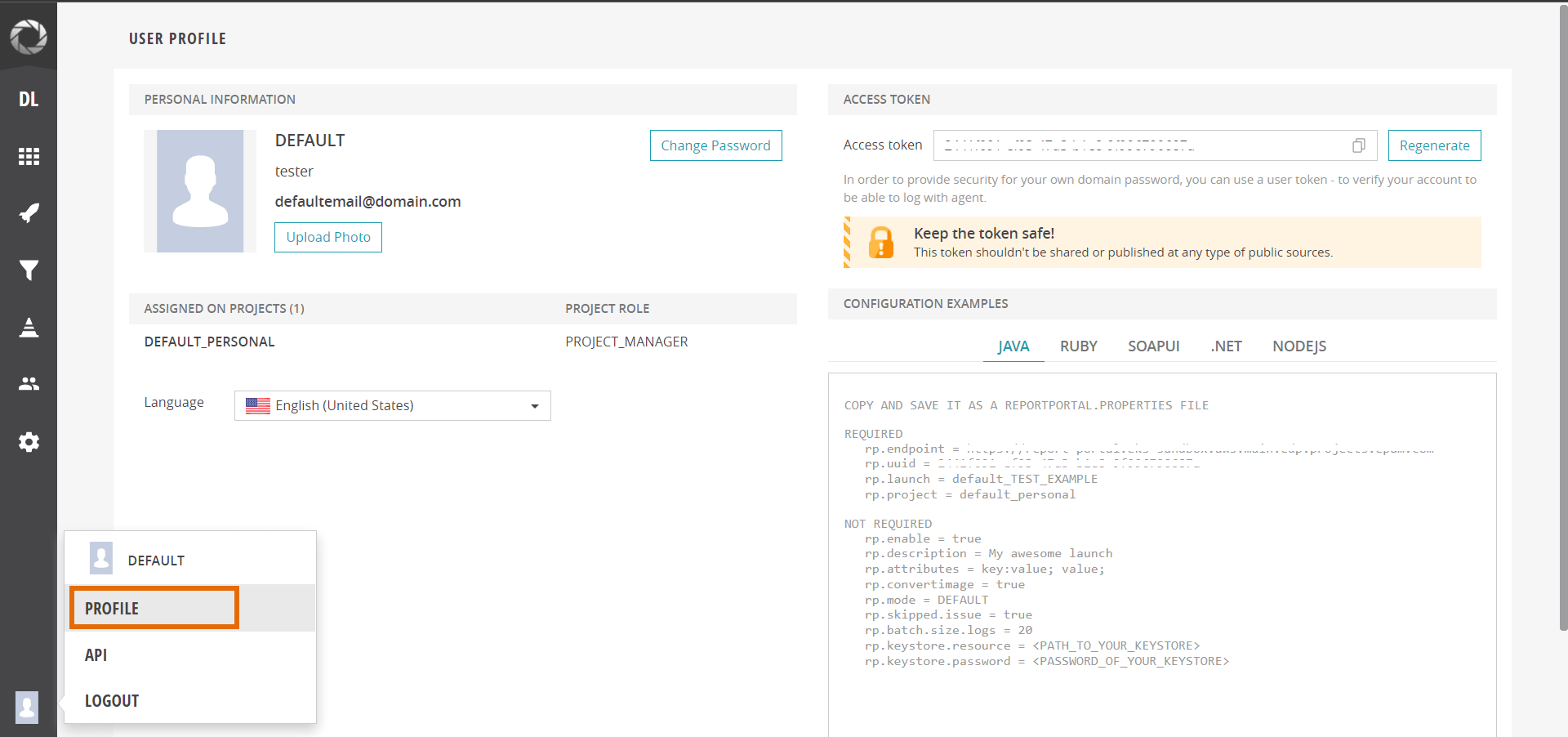
Log in to the ReportPortal console and navigate to the User Profile menu:
-
Copy the Access token and use it as a value while creating a kubernetes secret for the ReportPortal credentials:
apiVersion: v1kind: Secrettype: Opaquemetadata:name: rp-credentialsnamespace: krcistringData:rp_uuid: <access-token> -
In the Configuration examples section of the ReportPortal User Profile menu, copy the following
REQUIREDfields:rp.endpoint,rp.launchandrp.project. Insert these fields to thepytest.inifile in root directory of your project:[pytest]addopts = -rsxX -l --tb=short --junitxml test-report.xmlrp_endpoint = <endpoint>rp_launch = <launch>rp_project = <project> -
In root directory of the project create/update requirements.txt file and fill with following. It's mandatory to install report-portal python library (version may vary):
pytest-reportportal == 5.1.2 -
Create a custom Tekton task:
View: Custom Tekton task
apiVersion: tekton.dev/v1beta1kind: Taskmetadata:labels:app.kubernetes.io/version: '0.1'name: pytest-reportportalnamespace: krcispec:description: |-This task can be used to run pytest integrated with report portal.params:- default: .description: The path where package.json of the project is defined.name: PATH_CONTEXTtype: string- name: EXTRA_COMMANDStype: string- default: python:3.8-alpine3.16description: The python image you want to use.name: BASE_IMAGEtype: string- default: rp-credentialsdescription: name of the secret holding the rp tokenname: rp-secrettype: stringsteps:- env:- name: HOMEvalue: $(workspaces.source.path)- name: RP_UUIDvalueFrom:secretKeyRef:key: rp_uuidname: $(params.rp-secret)image: $(params.BASE_IMAGE)name: pytestresources: {}script: >#!/usr/bin/env shset -eexport PATH=$PATH:$HOME/.local/bin$(params.EXTRA_COMMANDS)# tests are being run from ./test directory in the projectpytest ./tests --reportportalworkingDir: $(workspaces.source.path)/$(params.PATH_CONTEXT)workspaces:- name: source -
Add this task ref to your Tekton pipeline after tasks:
View: Tekton pipeline
- name: pytestparams:- name: BASE_IMAGEvalue: $(params.image)- name: EXTRA_COMMANDSvalue: |set -expip3 install -r requirements.txt[ -f run_service.py ] && python run_service.py &runAfter:- compiletaskRef:kind: Taskname: pytest-reportportalworkspaces:- name: sourceworkspace: shared-workspace -
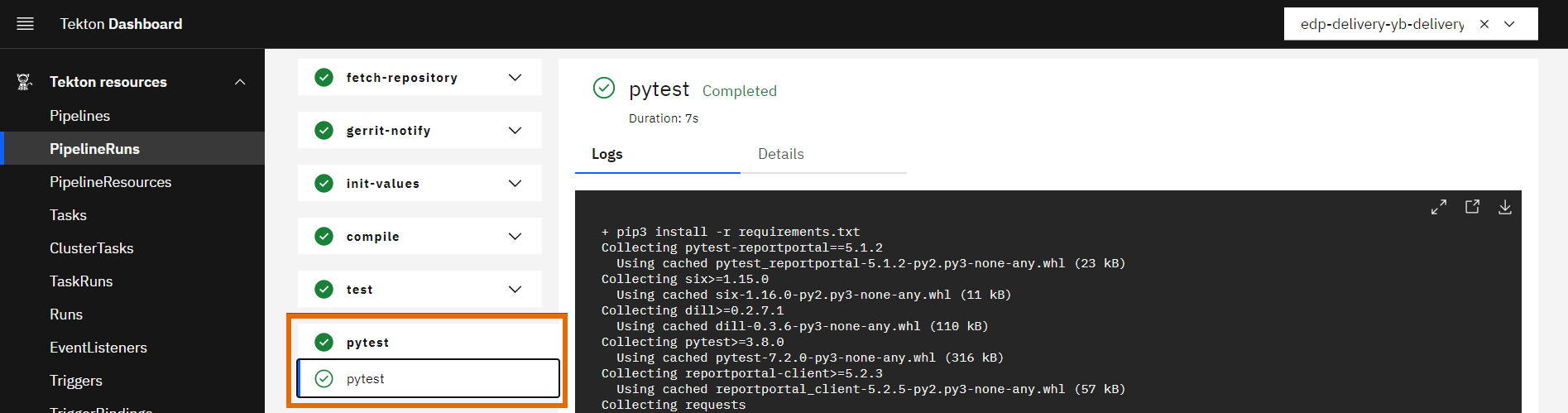
Launch your Tekton pipeline and check that the custom task has been successfully executed:
-
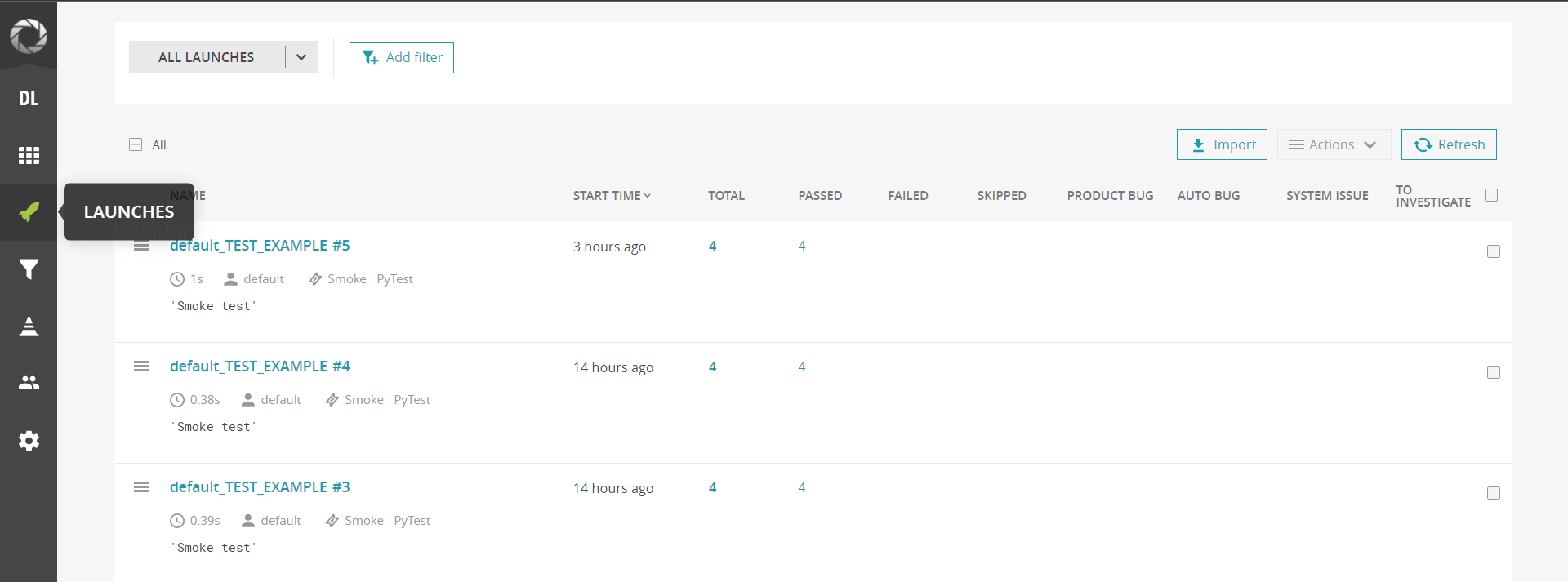
Test reports will be displayed in the Launches section of the ReportPortal: